
Getting started
How BOEZOR works
BOEZOR turns the science of athletic body recomposition into tools you actually use: calculators for your targets, planners for your training and meals, a tracker for your progress, and a knowledge base behind all of it. New here? Start with the five-minute setup below.
Get set up in ~5 minutes
The shortest path from signing up to a plan you can follow today. Each step links straight to the tool — you can do it as you read.
- 1
Create your free account
Sign in with Google or your email. Your targets, plans, log and progress all save to your account, so they're there on any device.
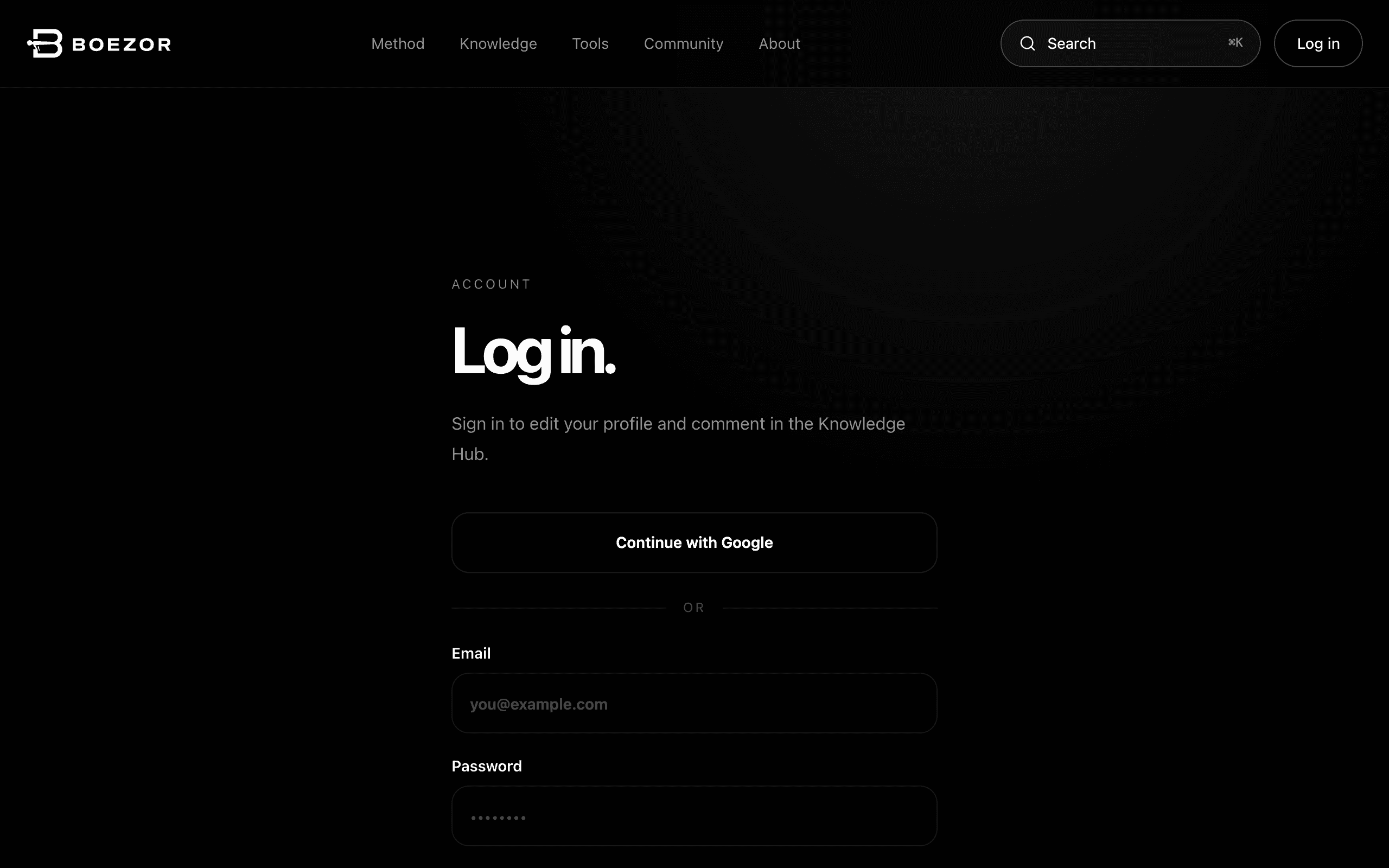
Sign in with Google or your email — one tap to start. - 2
Set your targets
Tell the Macro Calculator your body and goal. It gives you daily calories and a protein / carb / fat split built on the same science as the Method — the numbers everything else works from.
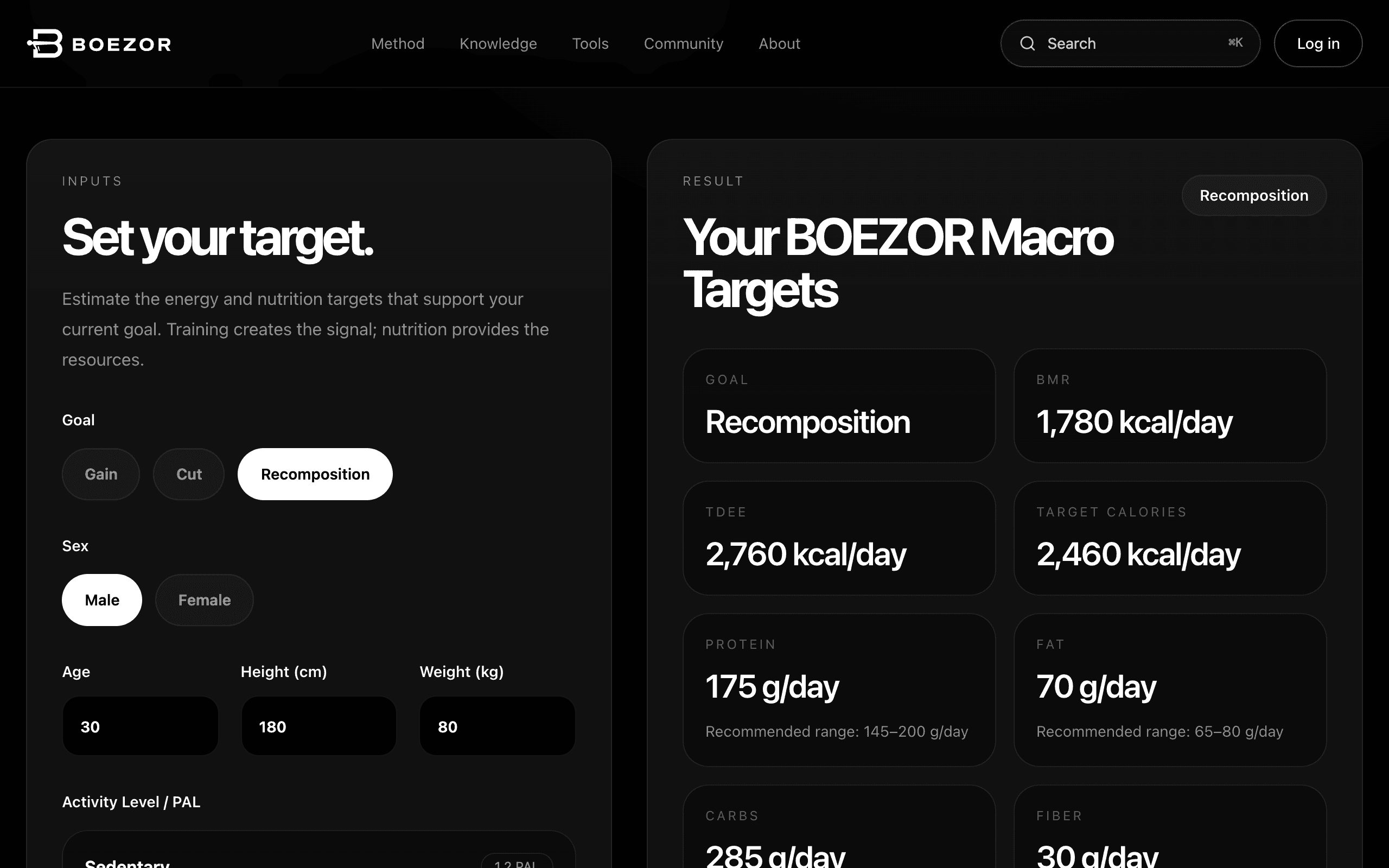
Enter your body and goal on the left; your calories and macro targets appear on the right. - 3
Plan your first workout
In the Workout Log you can load one of more than 30 ready-made weekly plans, or build your own from the 257-exercise library — filter by muscle or by push / pull / legs. Assign it to your week, then open Train today: it shows just that day's session, what you lifted last time, and a rest timer between sets.
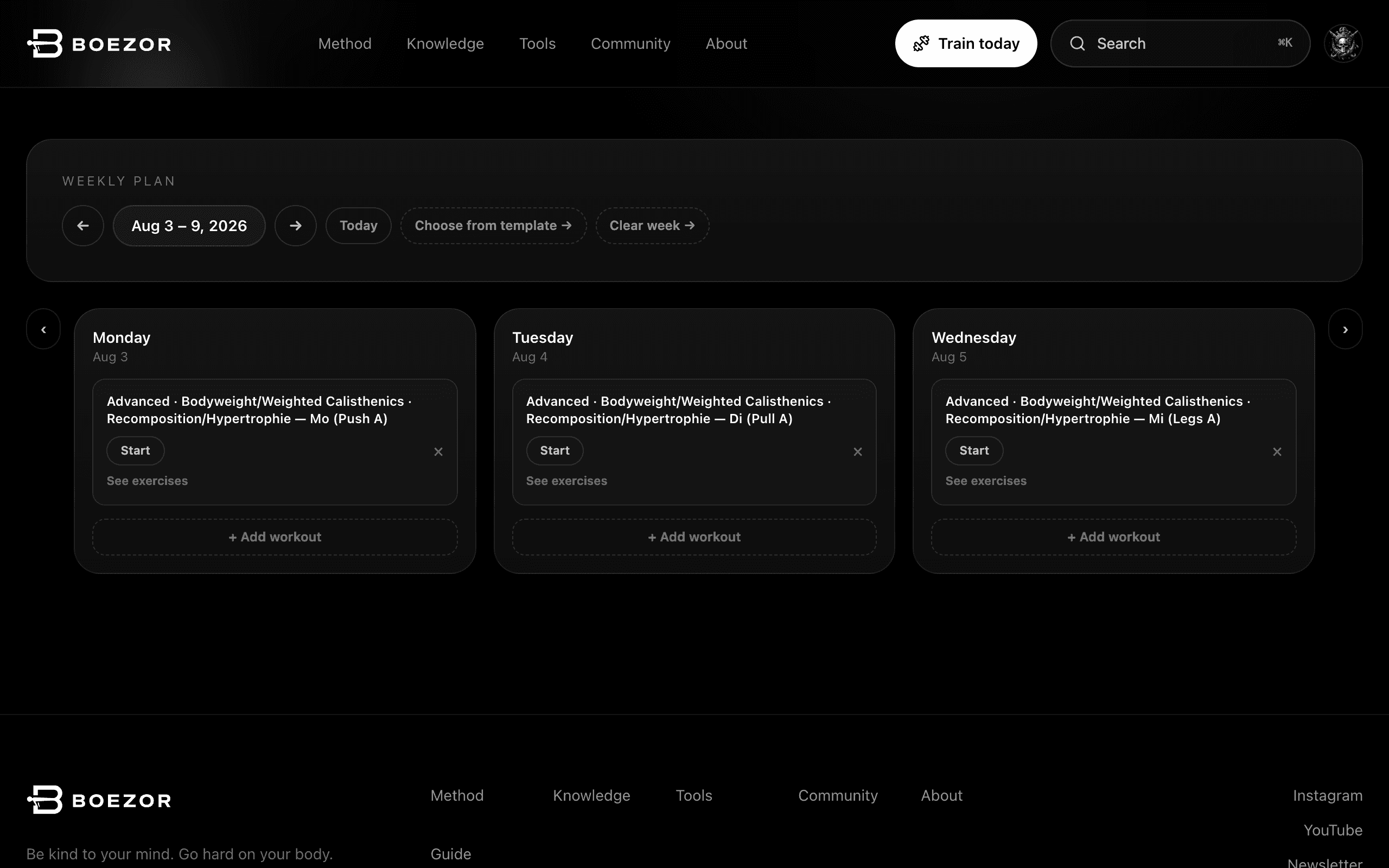
Load a ready-made plan with “Choose from template”, or add your own workout to any day. - 4
Plan your week's meals
The Meal Builder turns your targets into a weekly meal plan. Pick from 48 recipes or compose your own to hit your macros, then export a shopping list for the week.
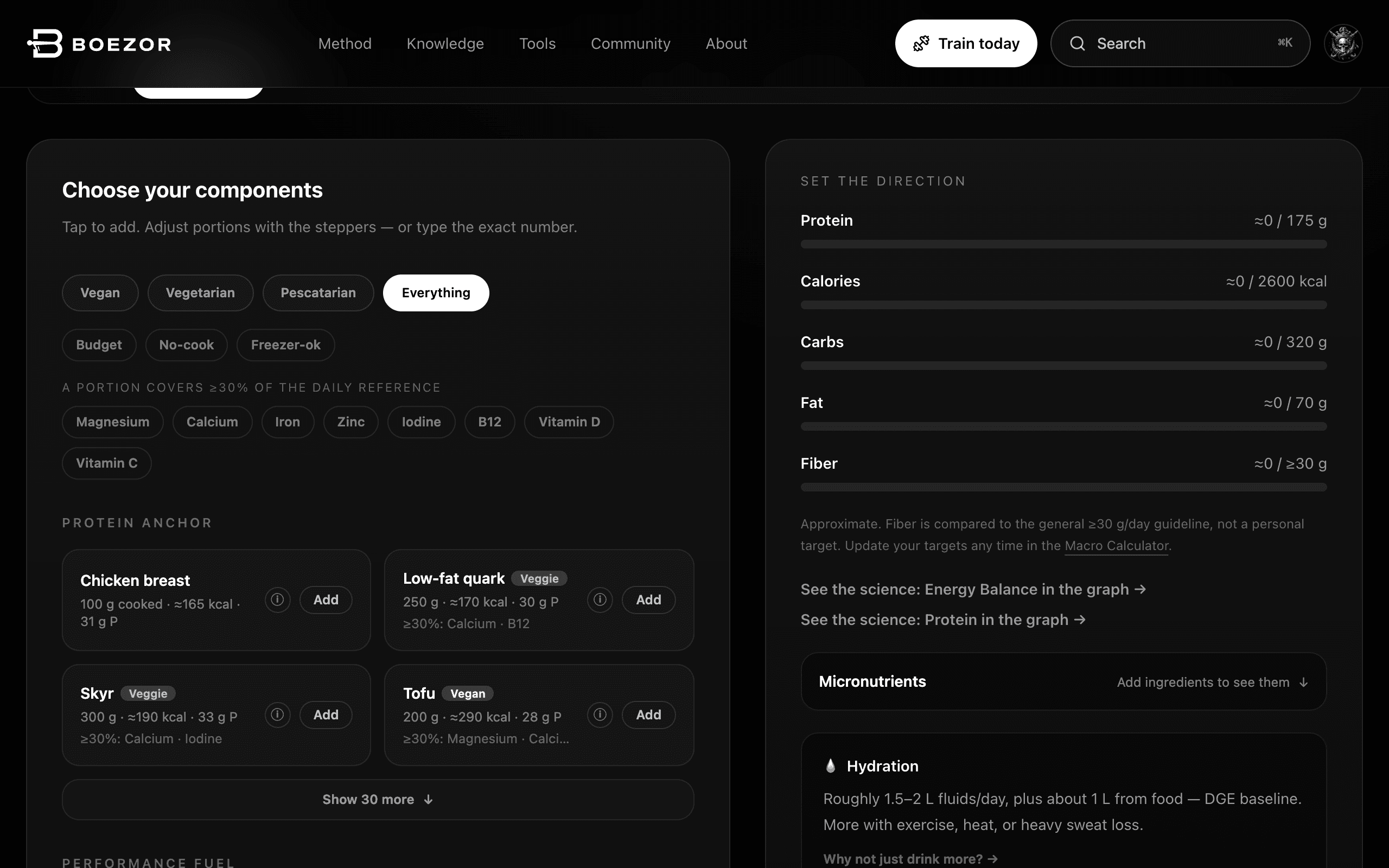
Pick a diet, build a meal from components, and watch it add up against your targets. - 5
Track it — and stay accountable
Log your weekly weight and waist and watch the trend that actually tells you it's working. Then share a win or ask a question in the Community — progress is easier with people.
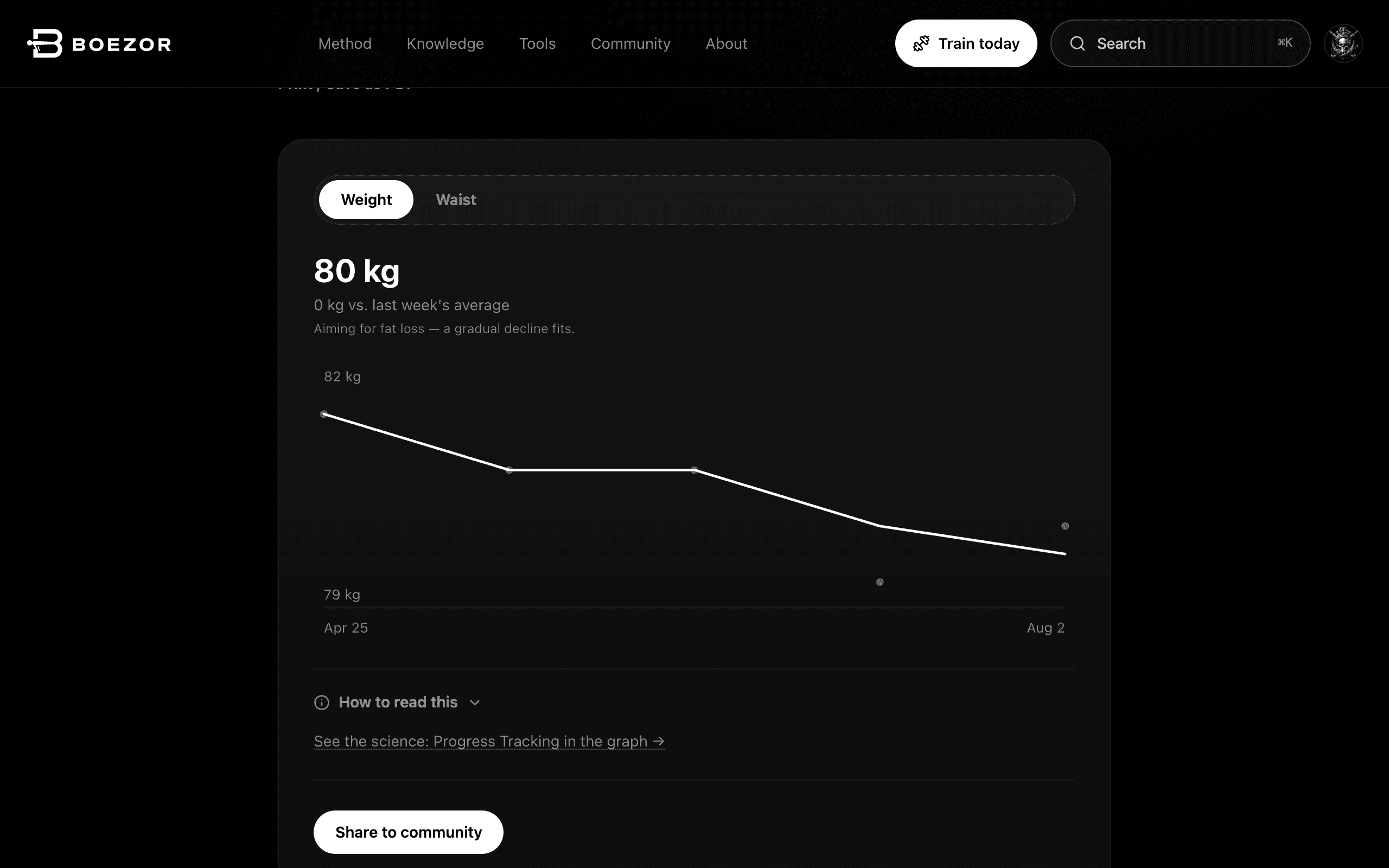
Log your weekly weight and waist and read the trend line — down, flat or up.
Every feature, grouped
The same five areas you'll see on your Hub once you're logged in. Follow any link to jump straight in.
Train
Plan, build and log your training.
- Train today →
Today's session on one screen — what's planned, what you lifted last time, a rest timer between sets, and how much each muscle has had this week.
- Dice reps →
Let a die pick your reps. Choose an exercise and a die, roll, log the set — then send the whole game to today's training in one go.
- Workout Builder →
Compose a workout from the exercise library, filter by muscle or movement, and save it as your own template.
- Weekly Plan →
Assign workouts to the days of your week — load a curated plan or one of your own. Swap any exercise for an alternative, for this workout or for every week that follows.
- Workout Log →
Start a session and log your sets, reps and load. Edit a finished workout, add one you trained offline, and look back over your history as a calendar.
Eat
Turn your targets into meals.
- Meal Builder →
Plan a week of meals from 48 recipes or your own, matched to your macro targets, with a shopping-list export. Every ingredient also carries its micronutrients, and each number names the source it came from.
- Macro Calculator →
Your daily calories and protein / carbs / fat, from your body and goal.
- Protein Calculator →
Just your daily protein target, when that's all you need.
- TDEE Calculator →
Your maintenance calories — the number everything else builds on.
- Emergency Meal Matrix →
Decide your fallback once, for the six situations that derail a plan — the supermarket, the petrol station, an office with no kitchen, ten minutes at home, no appetite, a restaurant.
- 14-Day Review →
Every fortnight, score how it actually went across eight dimensions — adherence, protein, trend, training, hunger, digestion, friction, waste — and adjust from that instead of from a hunch.
- Share a weekly plan →
Turn a named weekly plan into a read-only link you can send to anyone. Refresh it after edits, or stop sharing and the link stops working.
Learn
The science, made usable.
- The Method →
The BOEZOR method as an interactive pyramid — what matters most, from the base up.
- Knowledge Hub →
Evidence-based articles, each answering one concrete question.
- Cheat Sheet →
Every key number and rule in one printable reference.
- Knowledge Graph →
Explore how the concepts connect — nutrition, training, recovery, muscles and more.
- Recomp Score →
A quick self-assessment that finds your weakest pillar.
- Exercise library →
All 257 exercises — technique, target muscles and how each fits your programme.
Community
Progress is easier with people.
- Community →
A feed of wins, questions and discussion — share your progress or get unstuck.
- Badges & levels →
Earn badges and level up for consistency and contribution — shown on your posts and public profile.
- Member profiles →
Every member has a public profile with their badges and public posts. What appears there is yours to decide, down to hiding it entirely.
- Community rules →
How we treat each other here, readable without an account. You confirm them once before taking part, and anything that breaks them can be reported.
Your data
Everything you track, in your control.
- Progress Tracker →
Log weekly weight and waist, and read the trend that shows whether it's working.
- Profile & settings →
Your goal, account and privacy — including exactly what's public, and whether you work in kilograms or pounds.
- Privacy & consent →
What's stored and why. Body data is only kept if you say so, withdrawing that deletes it, and nothing is ever permanently deleted without asking you first.
- Starter Kit →
The free recomposition starter kit — the fundamentals in a few pages.
Handy across the app
Press ⌘K (or Ctrl+K) anywhere to search exercises, concepts and articles.
Save any article, exercise or concept and find it again from your Hub.
Once you're logged in, the icon in the top-right corner opens your Hub and your Profile & settings from any page you happen to be on — and the Hub links to everything above.
Choose your units once. Every calculator, log, chart and printout follows — including feet and inches for height.
Your training plan, meal plan, progress and profile all print. Pick the weeks, the layout and which sections you want on the page.
The homepage, Starter Kit, knowledge base, Cheat Sheet, all four calculators, the full 257-exercise library and signing in are also available in German.
Ready when you are.
Create your free account and your five-minute setup is already half done.
Create your free account →